Training films, from script to finished film.
Add your material, and Akademi makes a training film with scenes, voice and subtitles. Every image follows your brand.
A script you edit scene by scene
Launchr breaks your material into scenes, with visuals and voiceover for each. You edit the text directly, scene by scene. The script drives the images, motion and voice in the film.
Visuals
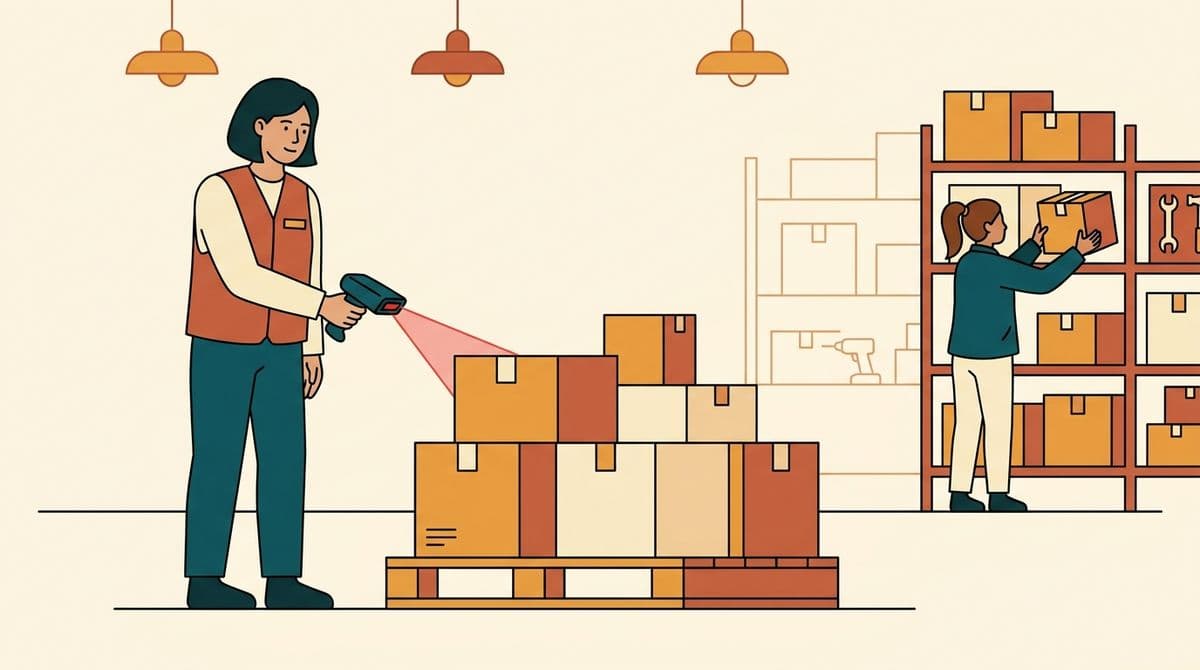
A new employee scans a pallet with the handheld terminal. A colleague points at the screen and nods.
Audio
VO: “Always scan the pallet before it moves. That way the system knows where the goods are.”
Every scene in the same style
You choose the brand's style once: colors, line and world. Every image is made from it, so the last scene looks like the first. The style carries over to your next film.
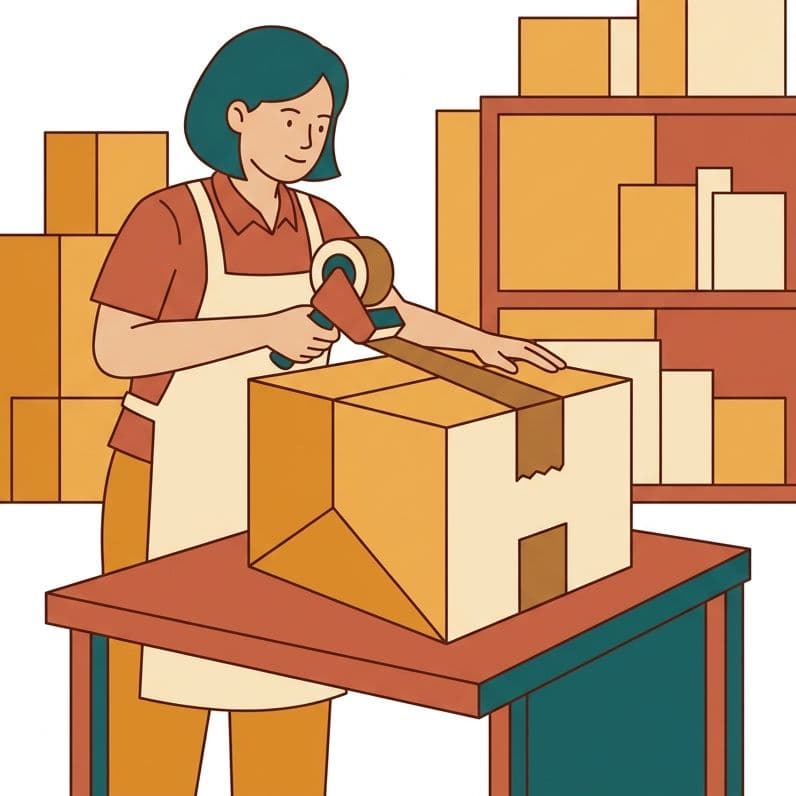
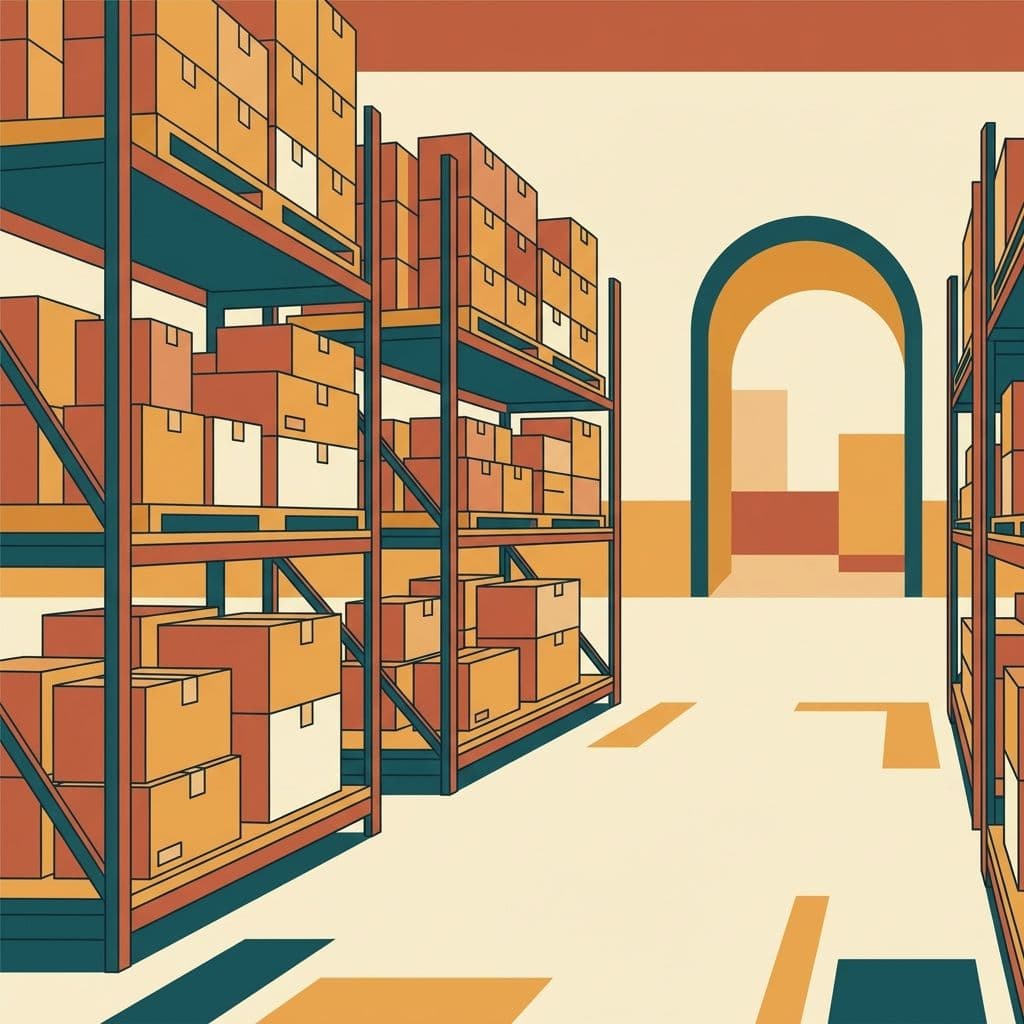
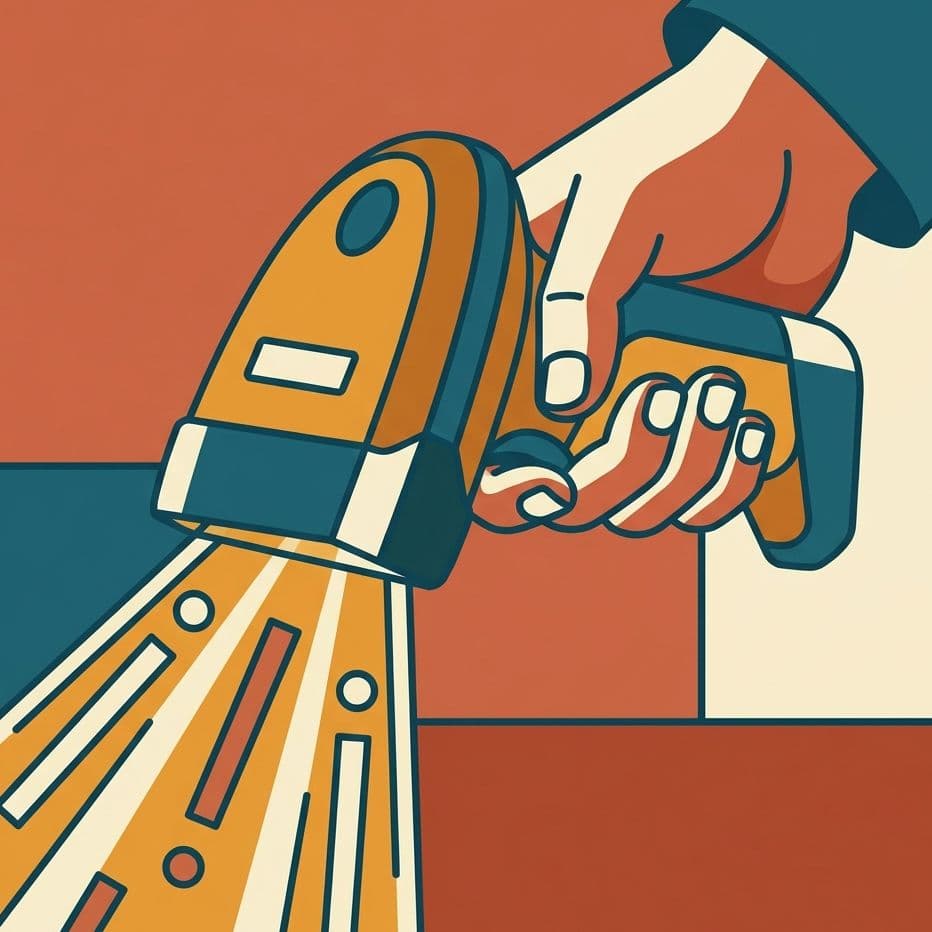
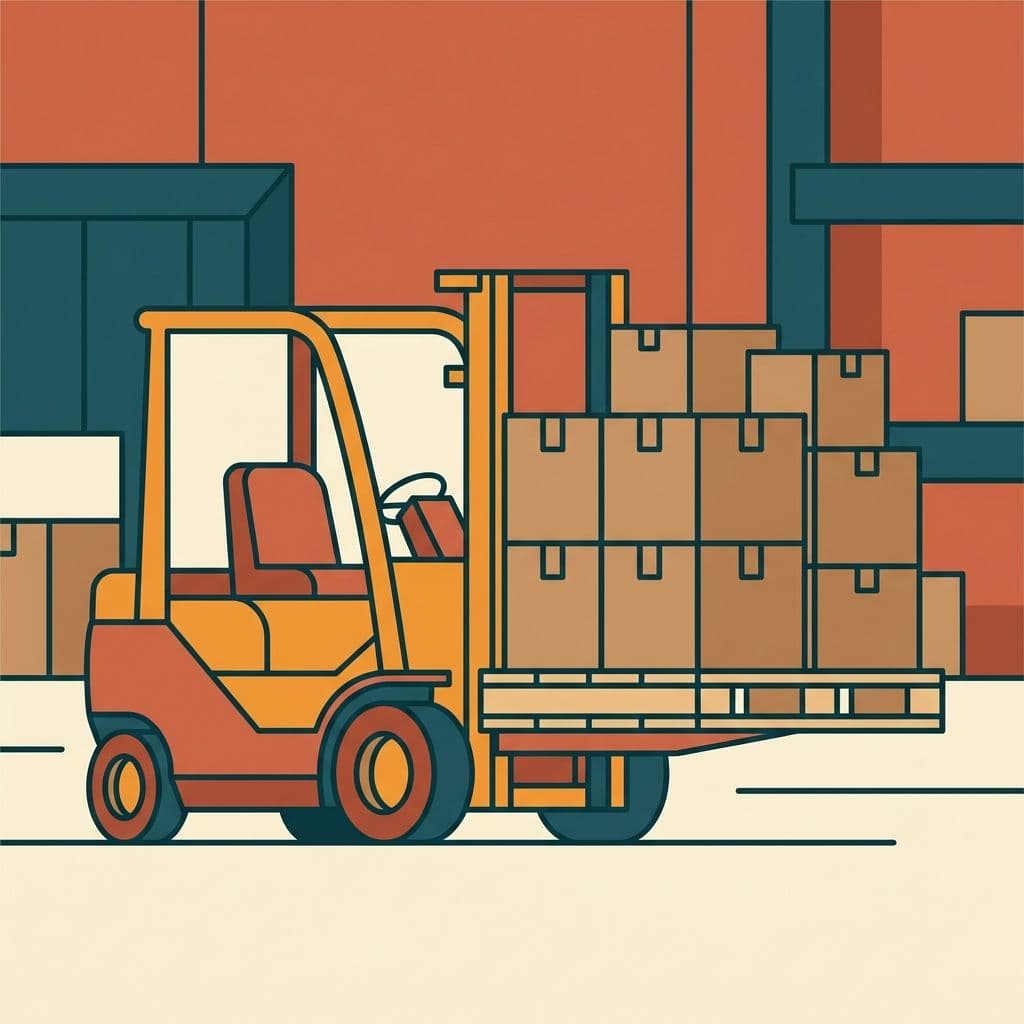
- Scene 1holds the anchor
- Scene 7holds the anchor
- Scene 14holds the anchor
The anchor travels with every image generation. The style lives on the brand.
Launchr checks every image for errors
The check looks for the usual AI mistakes: wrong hands, floating objects and text that doesn't belong. If an image has errors, Launchr makes it again before you see it.
- Hands: five fingers on eachPassed
- Gravity: everything restsPassed
- Text in the image: gibberish foundDiscarded
Image discarded and regenerated before it reaches you
Every scene moves, or you're told
Launchr scores every clip and keeps the best version. If a scene lacks motion, Launchr tries up to three times. If it still fails, you're told which scene it is.
- Scene 4Full motion
Motion, style, cast and scene credibility passed
- Scene 6Extra round 2 of 3
The best version is kept while it rebuilds
- Scene 7Said openly
“Scene 7 didn't reach full motion after 3 attempts and is shown with the best available version. Use Rebuild on that scene alone.”
Subtitles on or off
Some films need to work without sound, others should look clean on a big screen. You switch subtitles on or off for each film. They follow a fixed standard, with no more than two lines at a time.
 Always scan the pallet before it moves.
A fixed standard for line length and reading speed. Change the choice without rebuilding the film from scratch.
Your corrections make it into the film
You mark what needs to change, directly on the scene. Launchr shows how it understood the correction, and you approve it. Launchr then writes it into the script, and it's in the next version of the film.
“The handheld terminal should be our own model, not a generic scanner.”
The engine's reading
Replace the scanner in scene 3 with the brand's handheld terminal, keep the composition and the light.
- Reading approved by you
- In version 3 of the film
An approved correction can't be overwritten by a later build.
You pay for usage.
Akademi runs on the same usage metering as the rest of the platform. You sign up yourself, add a card, see what every build costs, and set your own cap.